




Casombie Casino App
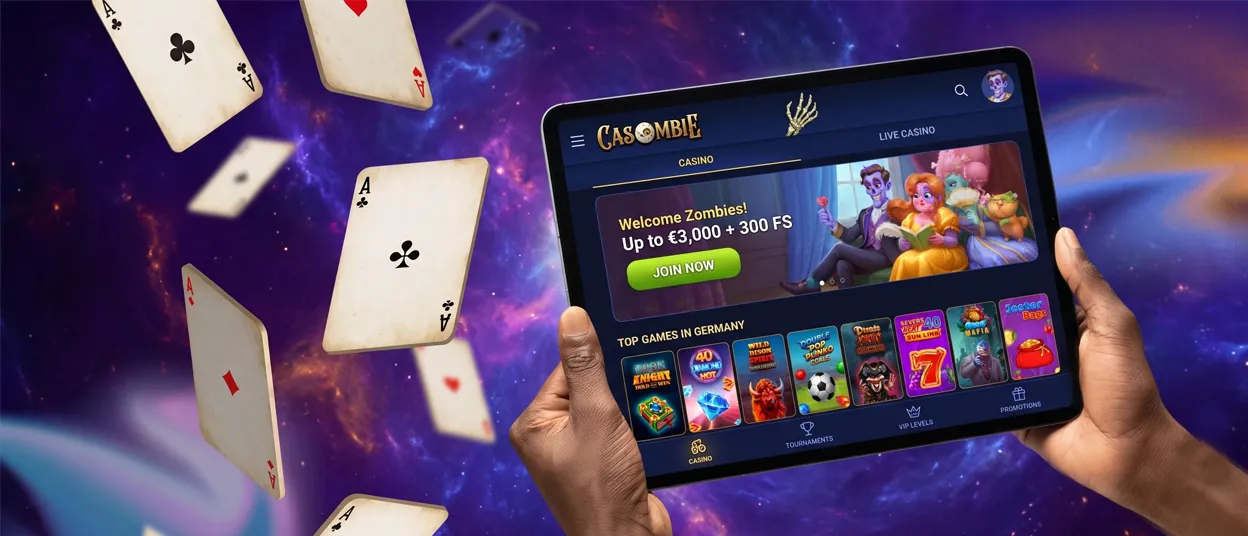
The Casombie app runs as a Progressive Web App, so there is no store listing to search for and no separate file to download. Getting into our casino from a phone, tablet, or computer takes seconds with it. Open the site in a mobile browser, add it to the home screen, and the full gaming experience will be one tap away from that point on.



Casombie Mobile Casino
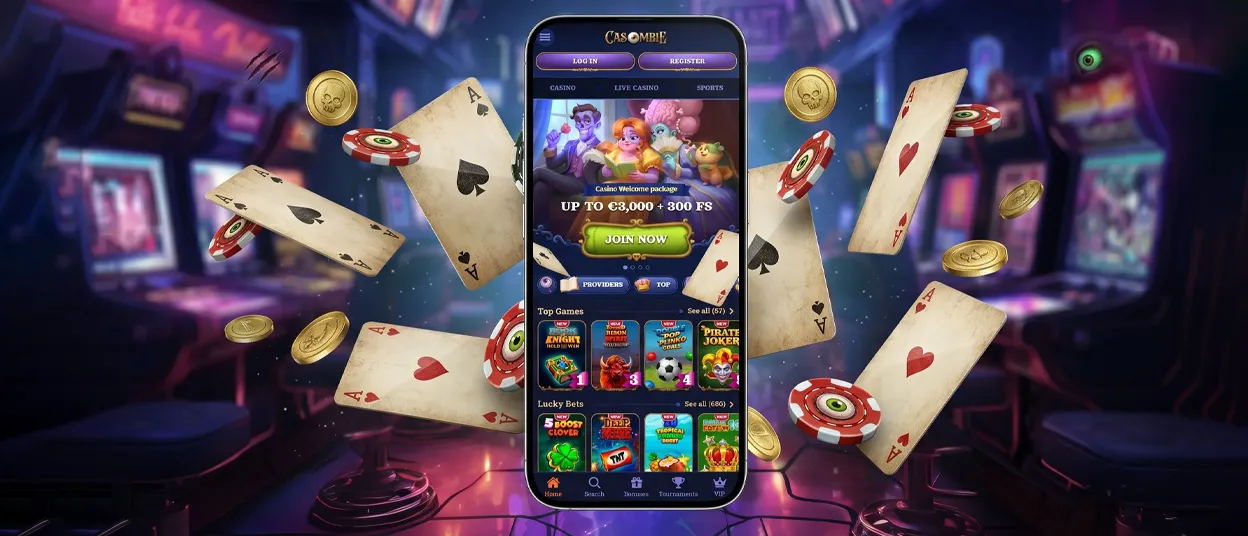
Playing on the Casombie casino from mobile keeps the same account, the same balance, and the same game library available on desktop — only the layout changes. Our interface automatically adapts to a smaller screen, so menus, buttons, and game tiles resize for thumb navigation instead of a mouse.
Navigation through the lobby, live casino section, and jackpots gets quicker on mobile, since everything sits within a shorter scroll. A desktop screen offers more room to compare tables side by side; a phone offers portability for a session started on a commute or between other tasks. Neither format replaces the other — Casombie simply adjusts to whichever device is in hand.
Mobile Application for Android
Android users reach the Casombie app the same way they reach any website: through Chrome or another browser used on the device. Adding the icon to the home screen takes just a few steps:
- Open our website in Chrome or the browser you use.
- Tap the browser menu (three dots in the top-right corner).
- Select Add to Home Screen from the list.
- Confirm by tapping Add.
The shortcut then behaves like an installed app. Opening it skips the address bar entirely and loads straight into full-screen mode, with the lobby, promotions, and account menu positioned exactly as they are in the browser version. This is a browser-based application built on web technology, not a Google Play listing — no download queue, no permissions screen, no separate install file.
Casombie APK
Our platform does not distribute an APK file for Android. The Casombie PWA shortcut covers the same function as a native casino app: a home-screen icon that opens directly into the games. It updates automatically in the background whenever the site changes, so there’s no manual file to replace and no version to track. For most players, this is also the safer route, since there’s nothing to download from outside the App Store or our official website.
Mobile Application for iOS
iPhone and iPad users add the Casombie app through Safari or the browser they use. Adding it to the home screen takes just a few steps:
- Open our website in Safari or your browser of choice.
- Tap the Share icon (the square with an arrow pointing up).
- Select Add to Home Screen from the list.
- Confirm by tapping Add.
Once confirmed, the icon sits on the home screen next to any other app and opens in the same full-screen mode as the Android version — no browser bar, no typing the URL each time. Our iOS experience matches Android game for game: live casino tables, slots, jackpots, and account settings all carry over identically, and the balance stays synced the moment a session starts on either device.
Casombie Casino Application for Windows/macOS
On a computer, our platform installs the same way through Chrome or Edge, opening afterward in its own window separate from other browser tabs. The larger display suits multi-hour sessions in the live casino, where mouse precision and a wider view of the table make betting easier to follow than on a small screen. Everything from the Casombie app carries over here too — the account, the game catalog, and the balance stay in sync no matter which device opens the session first.
Devices differ mainly in how a session starts and how much screen space is available:
| Device | How You Access It | Best Suited For |
|---|---|---|
| Android phone | Add to Home Screen via Chrome | Quick sessions, on-the-go play |
| iPhone/iPad | Add to Home Screen via Safari | Same as Android, with Face ID/Touch ID unlock |
| Windows/macOS | Install PWA via Chrome or Edge | Extended live casino sessions, larger displays |
Casombie allows one active session per account at a time. Opening the same account on a second device while a session is already running triggers a security check, which keeps the account protected regardless of which platform is used to log in.
One Account, Every Device
Registration happens once, and the same login works on any device afterward — no separate sign-up for mobile or desktop. A verification process may run the first time an account logs in from a new device, adding an extra layer of protection without requiring a new registration. Support stays consistent too: live chat is available directly from the Casombie app or the desktop site, and the Support Team can also be reached by email for anything that needs more detail than a chat window allows.
FAQ
Are my deposits secure when using the mobile app?
Yes. All transactions run through the same encrypted connection used on desktop, and a verification process applies before the first withdrawal on any device.
Does the app support push notifications?
Yes, once notifications are enabled in the browser, Casombie can send alerts about new promotions and time-limited offers directly to the device.
Will the Casombie app work on an older phone or tablet?
Yes, as long as the browser is reasonably up to date. Older devices may load graphics-heavy live casino games a little slower, but the core lobby, account, and payment functions run without issues.


